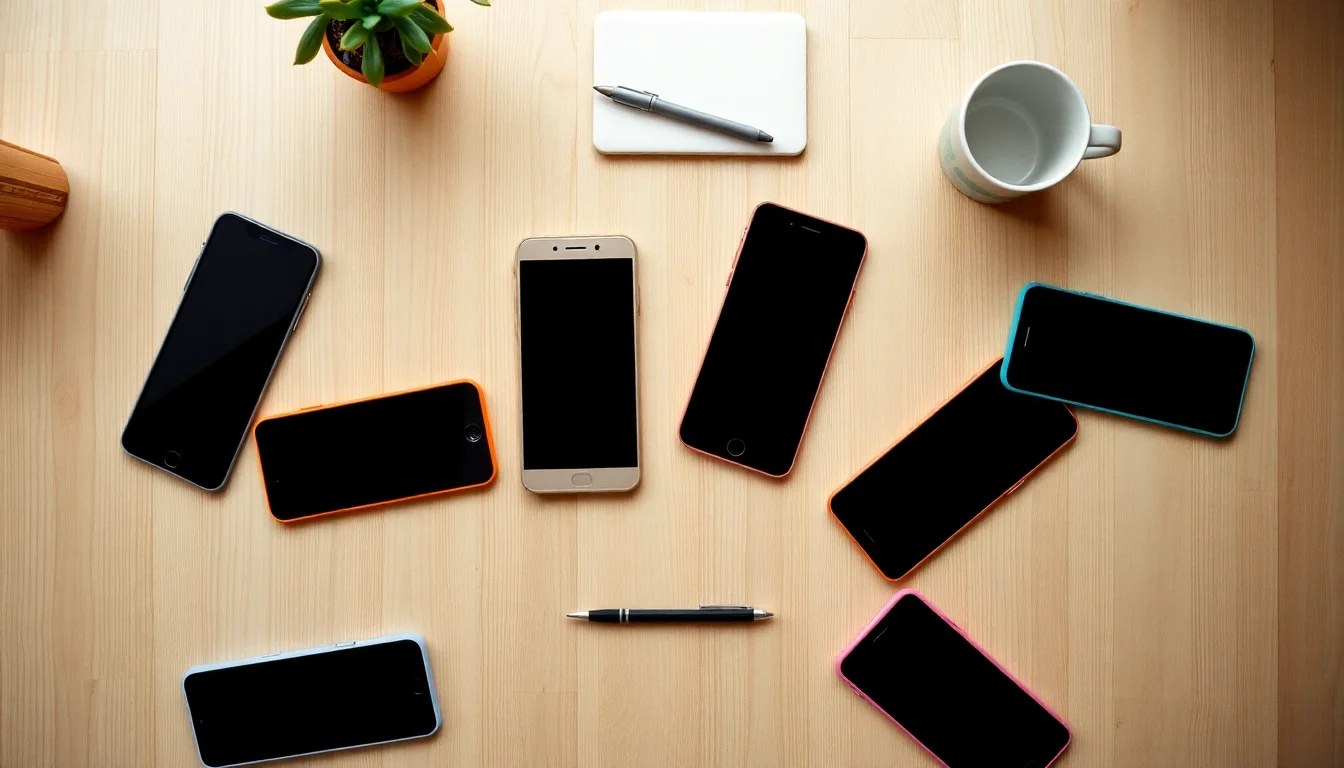

Buying a new smartphone doesn’t have to feel like cramming for a tech exam. A smartphone is simply a pocket computer that also makes calls — and in 2026, even a $250 phone takes sharp photos, runs every major app, and lasts a full day on a charge. The difference between a budget phone and a flagship (that’s industry-speak for “top-of-the-line, highest-price model”) is real, but it’s smaller than the price gap suggests. This guide gives you a short, honest list of the best phones at four price levels — roughly $200, $500, $800, and $1,200 — plus a plain-English answer to “which one is actually right for me?” You don’t need to know anything about chips or refresh rates before you start reading. By the time you finish, you’ll know exactly what to buy.
Who Should Buy What: The 60-Second Version
Before we get into individual phones, here’s the honest truth: most people should spend between $400 and $600. That range gets you a phone that takes genuinely great photos, runs smoothly for 3–4 years, and won’t feel like a compromise. The $1,000-plus phones exist, and they’re lovely, but unless you’re a professional photographer or you just want the absolute best and price isn’t the issue, you don’t need one.
Here’s a quick map:
- You’re buying a first phone for a teen, or replacing something 3+ years old on a budget → $200–$300 range. You’ll give up some camera quality and get slower software updates, but the day-to-day experience is fine.
- You want a great phone that does everything well and lasts 4 years → $400–$600 range. This is the sweet spot. Our top picks here are our top picks overall.
- You’re a power user, love photography, or want the best screen available → $700–$900 range. Real upgrades over the middle tier — just make sure you actually need them.
- You want the absolute best and money isn’t the constraint → $1,000–$1,200 range. Genuinely excellent. Also genuinely optional for most people.
Our Top Picks at Every Price
🏆 Best Overall: Google Pixel 10 — ~$599
If I could only recommend one phone to everyone reading this, it’s the Pixel 10. Google makes the Pixel, and they also make Android — the operating system (the software that runs the phone). That combination means the Pixel gets software updates first, and it gets them for a long time. Google has committed to 7 years of security and OS updates for the Pixel 10 series (Google Android support page), which means a phone you buy today in 2026 is supported through 2033. That matters because an unsupported phone — one that stops getting security patches — can become vulnerable to hackers, even if it still works fine.
Beyond longevity, the Pixel 10’s camera is remarkable. Google uses something called computational photography — essentially, software that processes your photos using AI to make them look better than the physical lens alone could produce. The result: photos that genuinely compete with phones costing twice as much. Night mode shots, portraits, zoomed shots of a kid’s soccer game — all excellent.
Good for: Android newcomers, people upgrading from a 4-year-old phone, parents who want Google’s built-in Family Link parental controls easy to set up.
Buy it at: Google Store · Best Buy · Amazon
Best iPhone: Apple iPhone 17 — ~$799
If you’re already in the Apple ecosystem — meaning you use a Mac, iPad, AirPods, or iMessage regularly — the iPhone 17 makes a lot of sense. Switching away from iPhone means giving up iMessage (the blue-bubble texting app), and while that’s not the end of the world (Google Messages on Android is excellent), it does create friction. Apple has committed to long software support windows; the iPhone 17 will realistically receive iOS updates through at least 2031 (Apple iOS support page).
The iPhone 17 gets a notable camera upgrade over the 16, with a larger main sensor and improved low-light performance. It also introduces an updated Action Button — a physical button you can program to do anything from silencing the phone to opening the camera. Build quality is exceptional.
One honest note: at $799, you’re paying a premium for the Apple brand and ecosystem lock-in as much as for raw specs. If you’re Android-curious and don’t have years of Apple devices behind you, the Pixel 10 at $200 less does more than you’d expect.
Good for: Existing Apple users, iPhone-to-iPhone upgraders, anyone who uses iMessage heavily with friends and family.
Buy it at: Apple Store · Best Buy · Amazon
Best Budget Pick: Motorola Moto G Power (2026) — ~$249
Motorola (now owned by Lenovo) has quietly built one of the best value lineups in phones. The Moto G Power lives up to its name: it has a massive 5,000 mAh battery (mAh stands for milliamp-hours — think of it as the size of the fuel tank; bigger = longer battery life). In real use, this phone lasts nearly two days on a charge for normal users. That’s a genuinely meaningful advantage if you’re buying this for a teenager, a parent, or anyone who hates charging their phone.
The camera is a step down from the Pixel or iPhone, especially in low light. Software updates are also shorter — expect 3 years rather than 6–7. But for a first phone, a backup phone, or someone who just needs reliable calls, texts, and apps without stress, the G Power is hard to beat at this price.
Good for: First phones for teens, budget-conscious adults, anyone who prioritizes battery over camera.
Buy it at: Amazon · Best Buy · Motorola
Best Mid-Range Alternative: Samsung Galaxy A56 — ~$449
Samsung is the world’s largest phone maker, and their Galaxy A series (the “A” stands for their mid-range line, as opposed to the premium “S” series) represents solid, reliable Android phones without flagship prices. The Galaxy A56 has a bright, vivid AMOLED display — AMOLED is a screen technology that makes colors pop and blacks look truly black, which makes videos and photos look better. It’s a noticeable improvement over the flat-looking screens on budget phones.
Samsung also offers one of the better parental control setups via their Kids Mode, and their phones pair easily with Samsung tablets and earbuds if your family is already in that ecosystem.
One heads-up: Samsung’s update commitment on the A series is 4 years of OS updates — solid, but shorter than Google’s 7-year promise on the Pixel.
Good for: Samsung loyalists, families already using Galaxy tablets or earbuds, anyone who wants a great screen at a mid-range price.
Buy it at: Samsung · Best Buy · Amazon
Best for Seniors: iPhone 17 or Pixel 10 with Accessibility Settings Configured
There’s no single “senior phone” — the best phone for an older adult is whatever phone has the clearest path to large text, loud speakers, and simple navigation. Both the iPhone 17 and Pixel 10 have excellent built-in accessibility features (accessibility means features designed for people with visual, hearing, or motor challenges — but honestly, big text is useful for everyone over 45).
On iPhone: go to Settings → Display & Text Size → Larger Text. On Pixel: Settings → Accessibility → Font Size. Both phones also support Made for iPhone / Made for Android hearing aid pairing, which lets compatible hearing aids connect directly to the phone via Bluetooth (a wireless connection technology) and stream calls and audio automatically.
If budget is a concern, the Motorola Moto G Power has a large 6.7-inch screen and a straightforward interface that many older users find easy to navigate.
Best Premium Pick: Samsung Galaxy S26 Ultra — ~$1,199
The Galaxy S26 Ultra is a legitimately extraordinary piece of hardware. It has a built-in S Pen stylus (a small digital pen you can use to write on the screen), a 200-megapixel main camera, and a display that adjusts its refresh rate dynamically to save battery while still looking silky smooth. (Refresh rate is how many times per second the screen redraws itself — higher means smoother scrolling and animations.)
iFixit, a site that scores phones by how easy they are to repair, gives Samsung’s recent flagship line a better repairability score than many competitors, which matters for long-term ownership costs (iFixit repairability scores).
But here’s the honest part: for most people, the S26 Ultra does not deliver $600 more value than the Pixel 10. If you’re comparing photos side by side at full zoom on a large monitor, yes, the Ultra wins. In everyday life — texting, social media, calling — the difference is invisible. Buy it if you genuinely want the best and you’ll enjoy it. Don’t buy it because you think you need it.
Good for: Power users, photography enthusiasts, anyone who wants a stylus for note-taking.
Buy it at: Samsung · Best Buy · Amazon
By the Numbers
| Phone | Price | Update Promise | Battery | Best For |
|---|---|---|---|---|
| Google Pixel 10 | ~$599 | 7 years | 4,700 mAh | Best overall |
| Apple iPhone 17 | ~$799 | ~6 years | 3,800 mAh | Apple ecosystem users |
| Motorola Moto G Power | ~$249 | 3 years | 5,000 mAh | Budget / teens / backup |
| Samsung Galaxy A56 | ~$449 | 4 years | 5,000 mAh | Mid-range / Samsung fans |
| Samsung Galaxy S26 Ultra | ~$1,199 | 7 years | 5,000 mAh | Power users / photography |
Battery figures sourced from GSMArena specs database. Prices reflect U.S. unlocked retail as of May 2026.
One Thing Most People Don’t Think About: The 3-Year Cost
The sticker price is only part of what you’ll spend. A phone that costs $249 now but needs to be replaced in 2 years because it stopped getting security updates costs more in the long run than a $599 phone that lasts 5 years. Consumer Reports’ reliability survey data consistently shows premium-tier phones failing at lower rates over 3 years than budget options.
Do the math your way: $599 ÷ 5 years = ~$120/year. $249 ÷ 2.5 years = ~$100/year — and that’s before accounting for the hassle of swapping phones and migrating your data.
The Pixel 10 wins on this math, which is a big part of why it’s our top overall pick. The Moto G Power is still excellent value for the right use case — just go in with eyes open about the shorter lifespan.
Quick Tips Before You Buy
Unlocked vs. carrier phone: An unlocked phone works on any carrier’s network. A carrier phone (from AT&T, Verizon, T-Mobile, etc.) is often cheaper upfront but tied to that carrier, sometimes with extra apps you can’t delete. If you switch carriers often, unlocked is usually the smarter buy.
Trade-in timing: Trade-in values drop significantly after a new phone is announced. If you’re planning to trade in your current phone, do it before the next iPhone or Galaxy launch — typically September for Apple, January/February for Samsung.
The “free phone” trap: Carrier deals advertising a “free” phone typically spread the cost across 24–36 months of your bill. They’re not bad deals, but always calculate the total you’ll pay over the contract period before signing.
Prices and availability were verified as of May 17, 2026. We update this guide quarterly — bookmark it and check back before Black Friday or back-to-school season for refreshed picks and deal alerts.